How I turned my old phone into a dedicated bike gps
Like in my post about Lineage OS on Nexus 7, I will once again revive a device from the depths of unused devices of my tech-drawer, my old Samsung Galaxy S10e. After years of updates, it has started to be laggy and since I already had a new device, it was not necessary to have the apps and the OS I would normally use for my daily necessities.
Why am I putting the effort
I live in the Netherlands and I like cycling, during which I have my main phone attached to the handle of the bike whenever i need to navigate. In most cases this setup is great for me, i have my map show me where to turn, i can use wireless earphones to listen to music or a podcast. But if I want to go on an adventure that can last a full day, I encounter some obstacles.
For an adventure treking trip, I plan my routes on Komoot web on my laptop, and launch the saved route in offline mode on my phone. This is OK for half a day, until Komoot completely drains my battery. On top of that I need to think about using navigation with other activities like playing music, communication and calls when taking breaks, paying with NFC, checking weather condition updates, taking photos etc. From this example I can list all the hardware that activaly taps into battery use at the same time or during the length of the day: GPS, GSM, Screen, Bluetooth and the biggest drain: screen time.
This problem I can offset with a powerbank (another device), since I have a handly front-bag for essential during a bike ride, i can easily route a short cable to the phone and have a lasting battery.
If I have a dedicated gps device like the old Samsung s10e, I would have a lighter “another” device that drains only GPS and screen time, while I can use my personal phone with the same battery drain expectation as any other day. This I beleive will stretch the use of these device much further, and my personal phone being the one that I need for emergencies, I can decide not to use it that much during the bike ride.
Another argument would be the case that during my rides, I also see my self wanting to take a nice photo, and in that particular moment I would really love to take a phone out of my pocket while cycling, rather that stopping, unscrewing the phone from the bike, detatching it from the external battery, taking a photo and putting everything back again.
Planning
Given the problem defined, I want to also define the exact list of requirements without which it would not make sense to put the effort:
- The experience needs to be snappy
- GPS needs to be supported (sometimes LineageOS or firmware sideloading goes wrong)
- It is useful offline - there needs to be an app with offline map view and .gpx route import capability
- If the defice gets stolen, I am not compromised (no need for service accounts)
- LocalSend needs to work (this is how i will send the .gpx files to the device)
I am using a Thinkpad with linux mint on it, so things I need for this to work are:
- Heimdal - flashing tool, specifically usefull for Samsung devices. This is available on linux mint via apt
- adb - also available in linux mint via apt
- Latest Samsung S10e firmware - firmware download page
- Latest LineageOS files supporting s10e (Rom .zip and Lineage recovery .img) - codename for Galaxy S10e is beyond0lte
Once those are ready, i need my charged phone to be connected to the linux laptop and I’m ready to go.
The flashing process
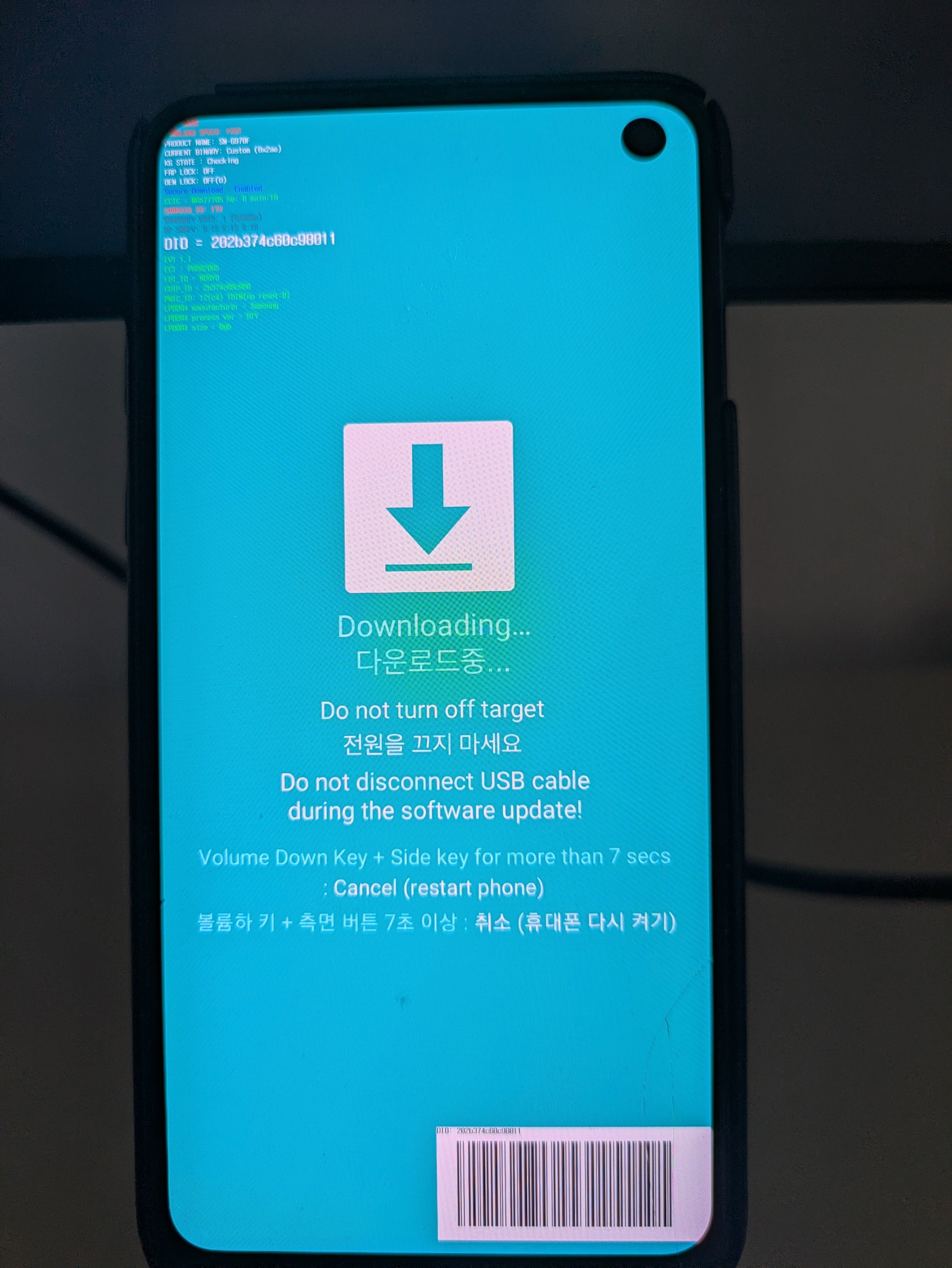
Compared to the Nexus experience, I think this one went much smoother, not to get into too much detail about steps, just follow the instructions carefully. I opted not to use Google apps and services since I do not think I would need them.
Checking the installation
LineageOS was sucessfully installed and I was welcomed by the initialization process (language, location, lock settings etc).
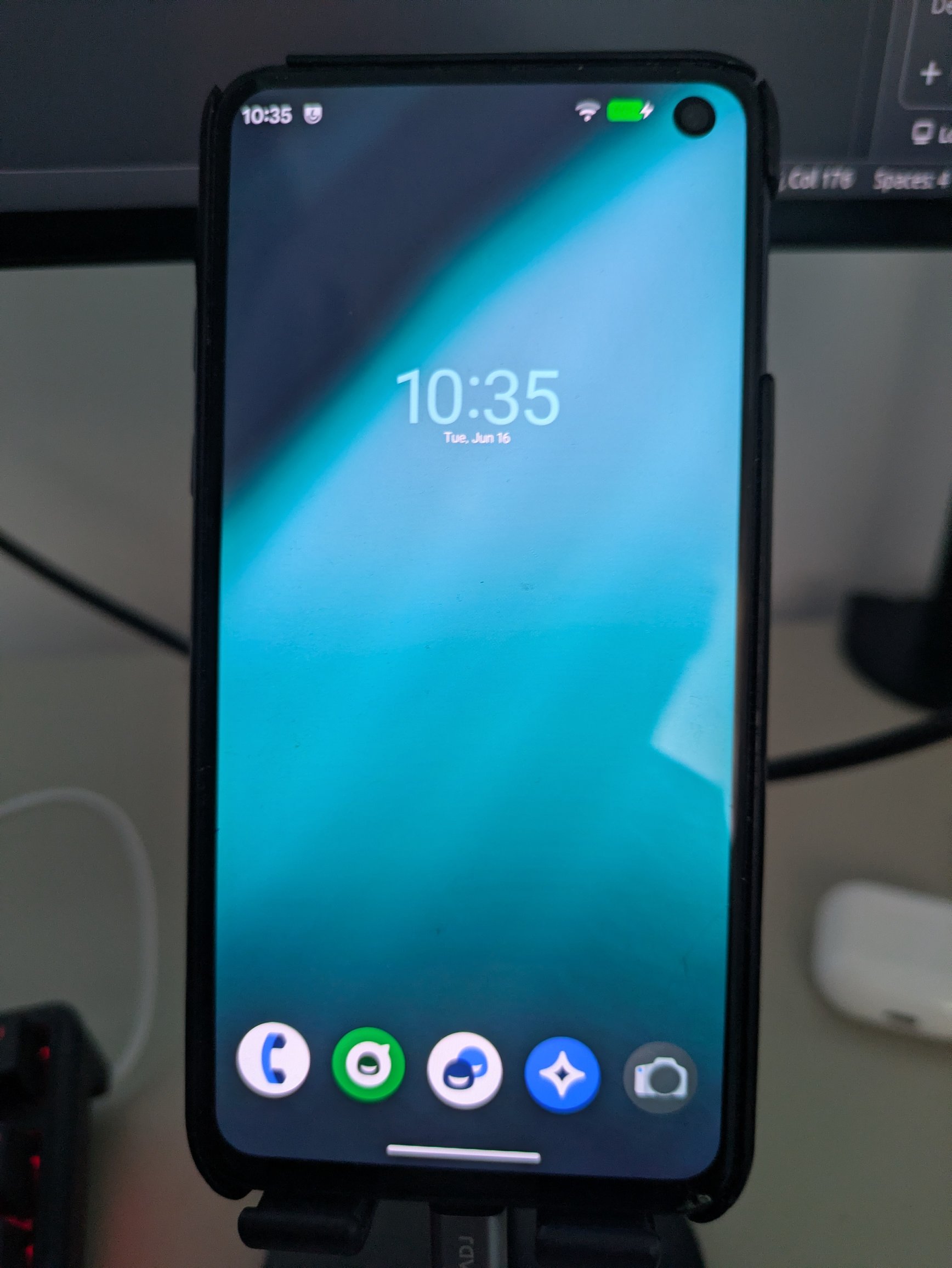
I downloaded f-droid and imidately installed the GPSTest app. This will confirm that it can actualy receive signal from satellites. Second thing is to install Organic Maps, install offline maps and see if it recognizes the current location - it did!
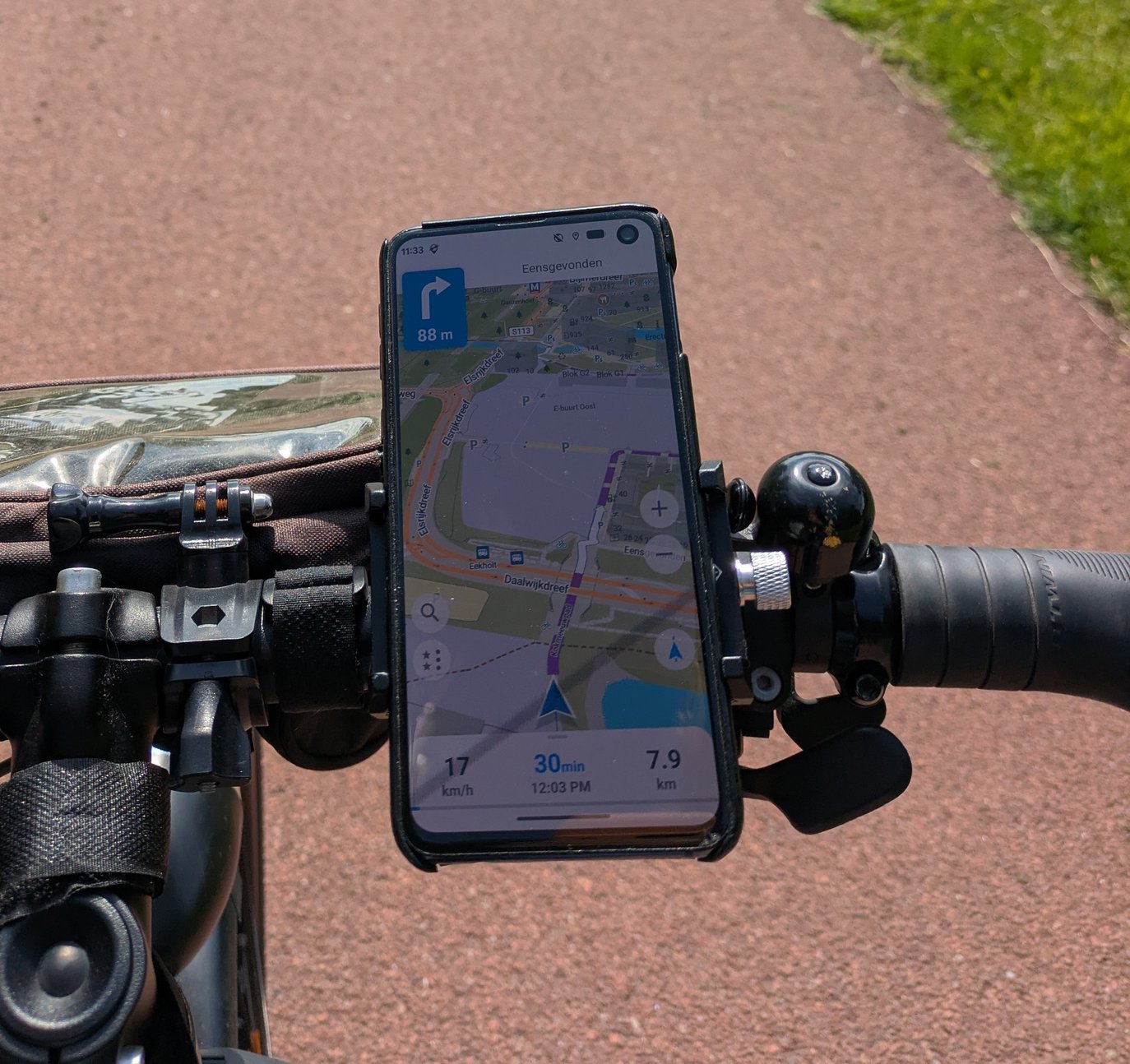
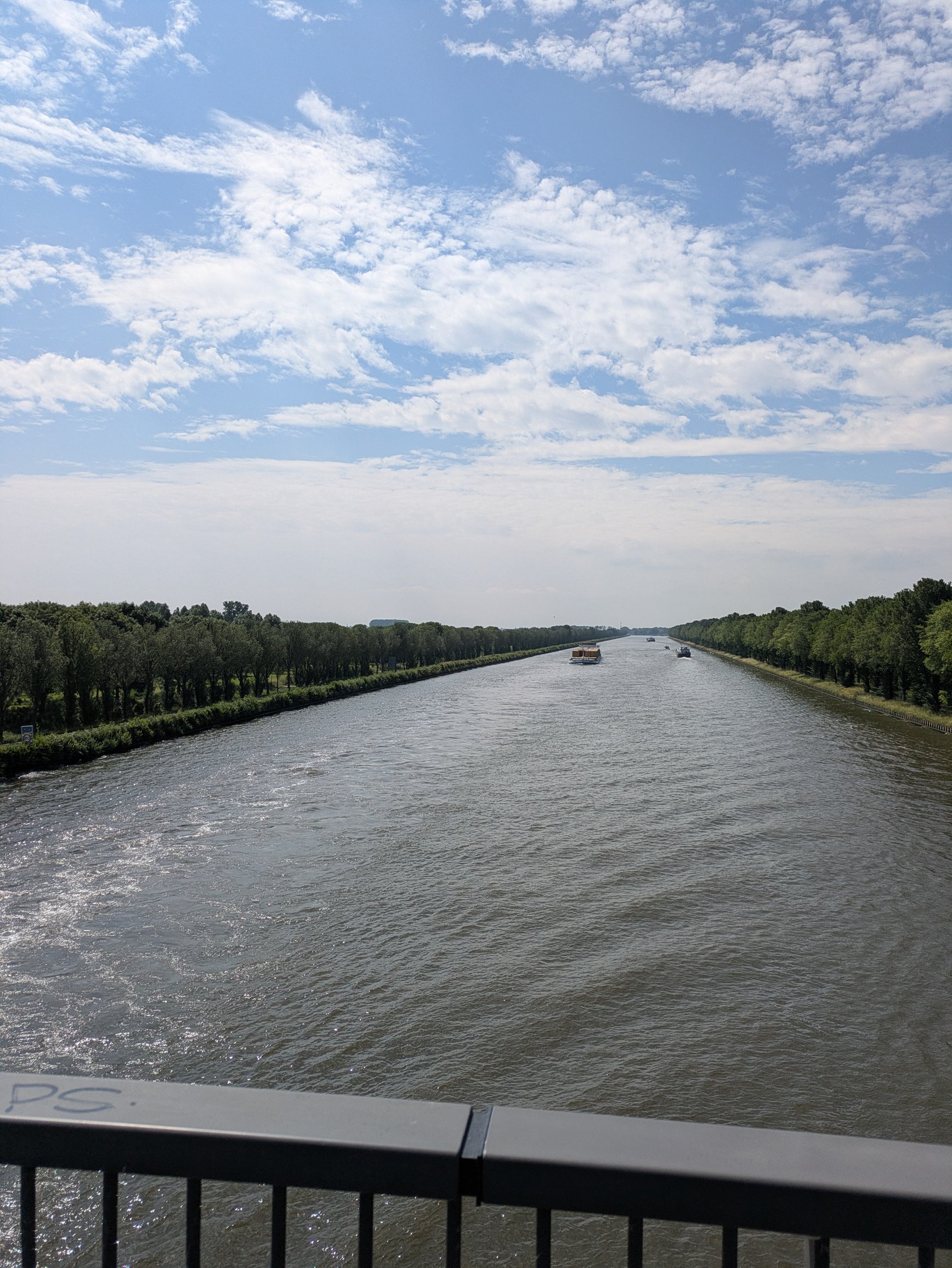
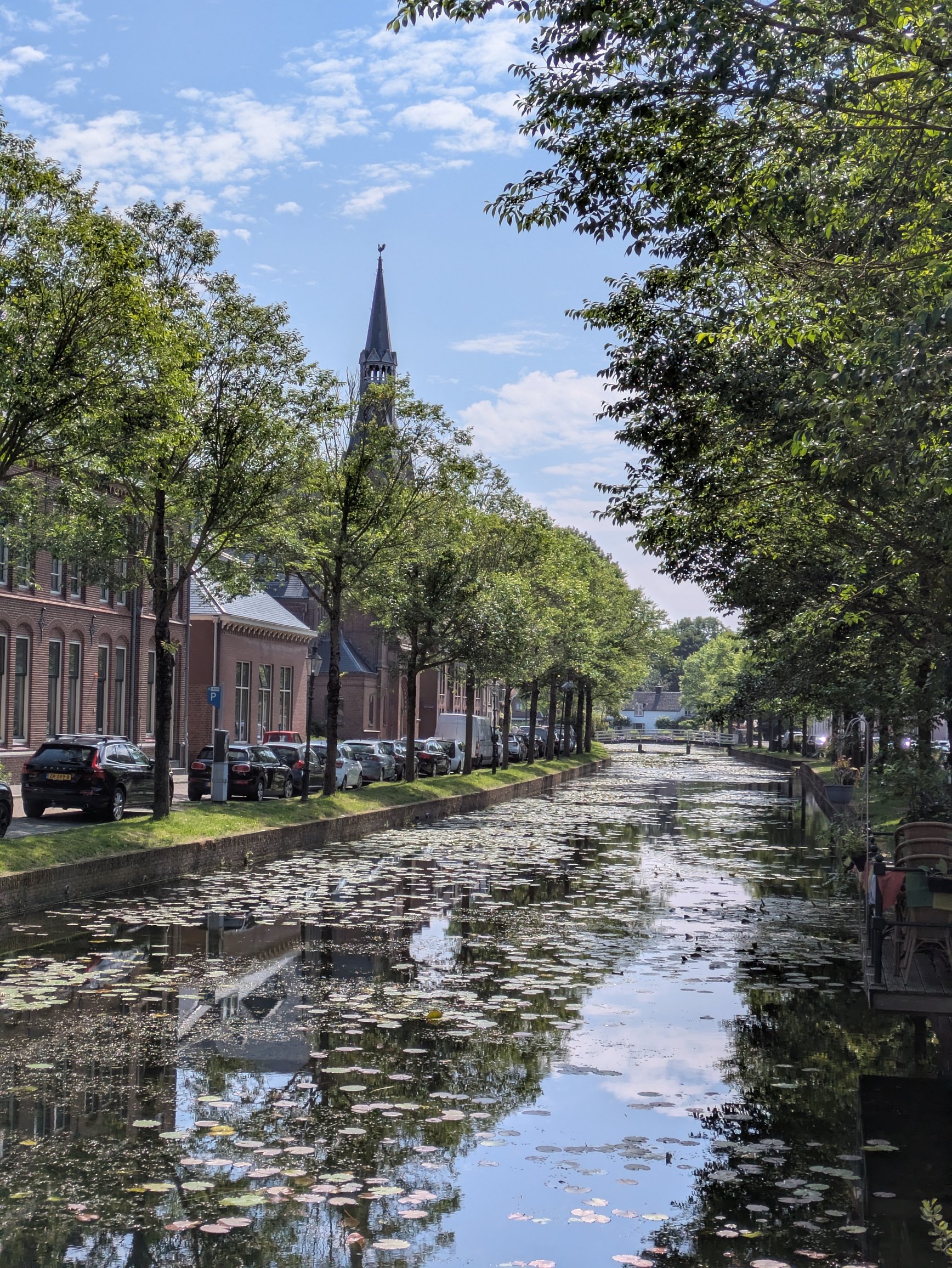
I took it on a bike ride from Diemen to Weesp. It’s a 30 minute cycle and it was enough to prove it was worthy the effort. I was also able to load any GPX file of a route i create on Komoot web interface, so now I can look forward to my future adventures!
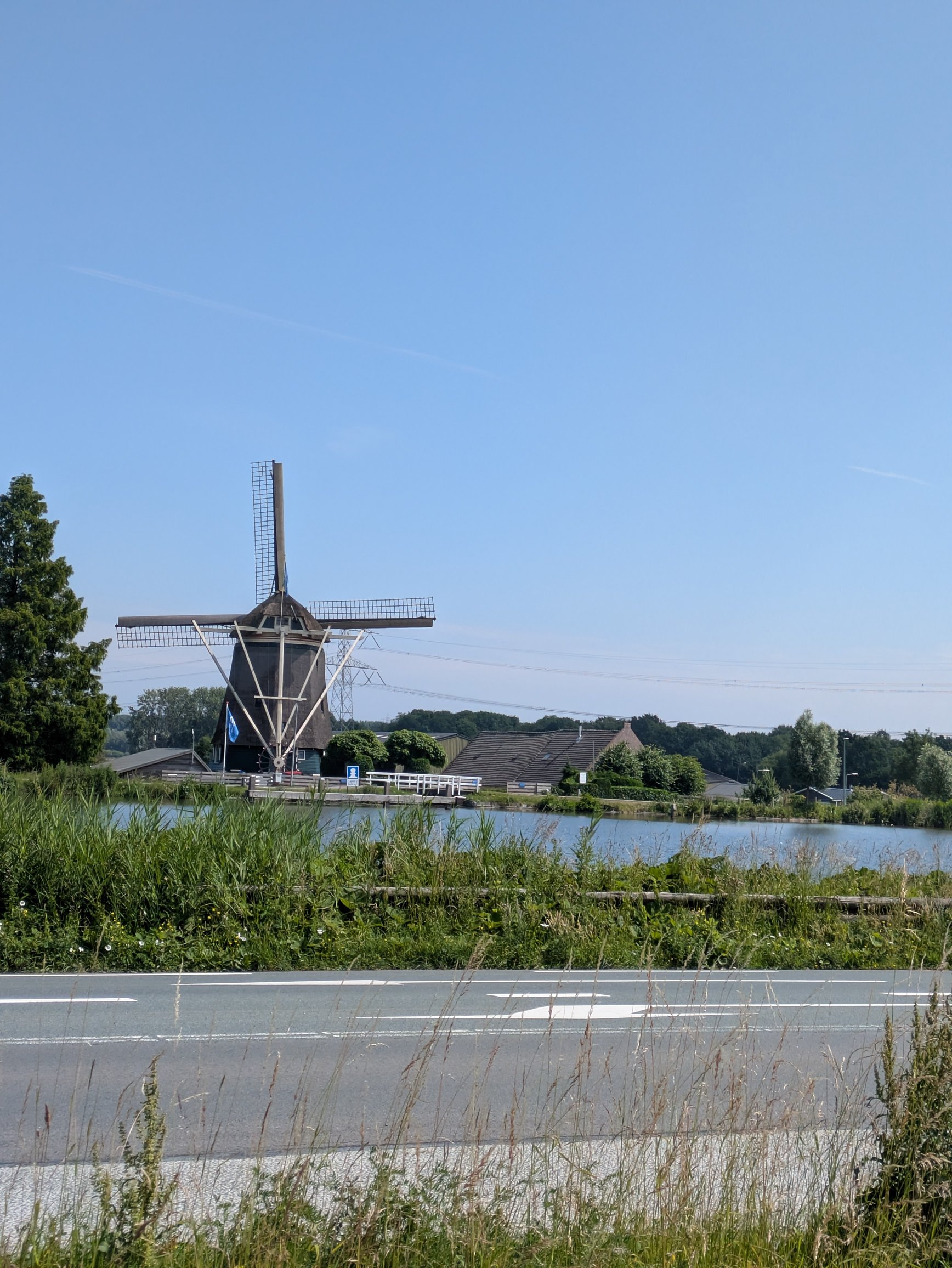
Here are some photos I could take on the ride:
Final notes
For any ad-hoc project like this, a lot of tools and files are added that are used once and never again, so I like to purge everything coillected to keep my Thinkpad clean.